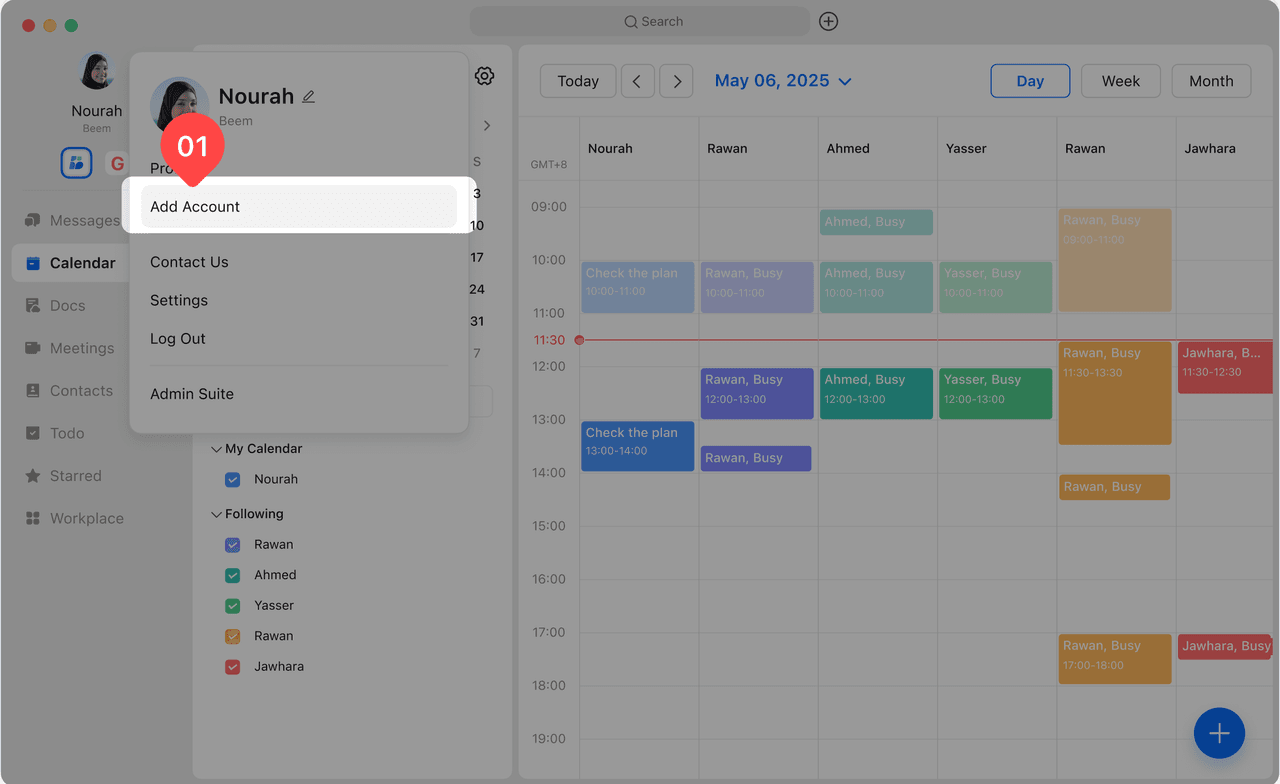
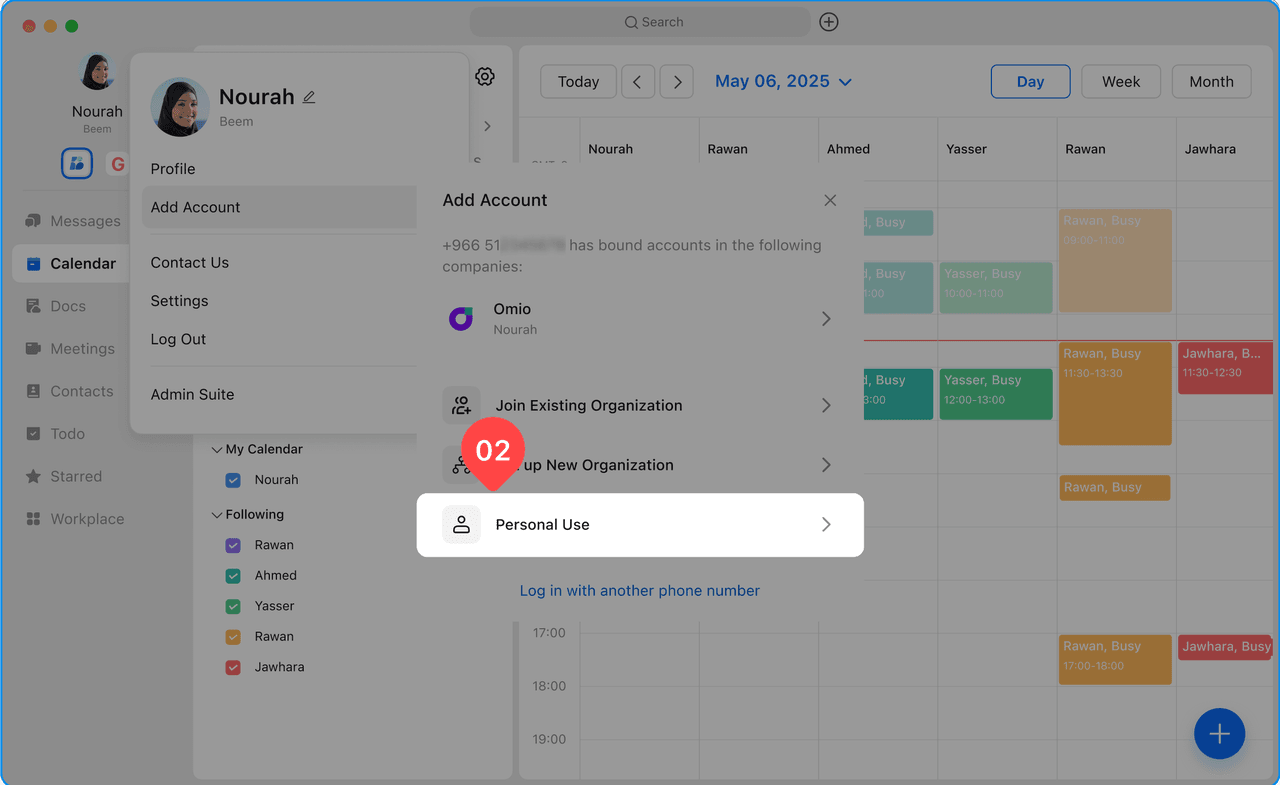
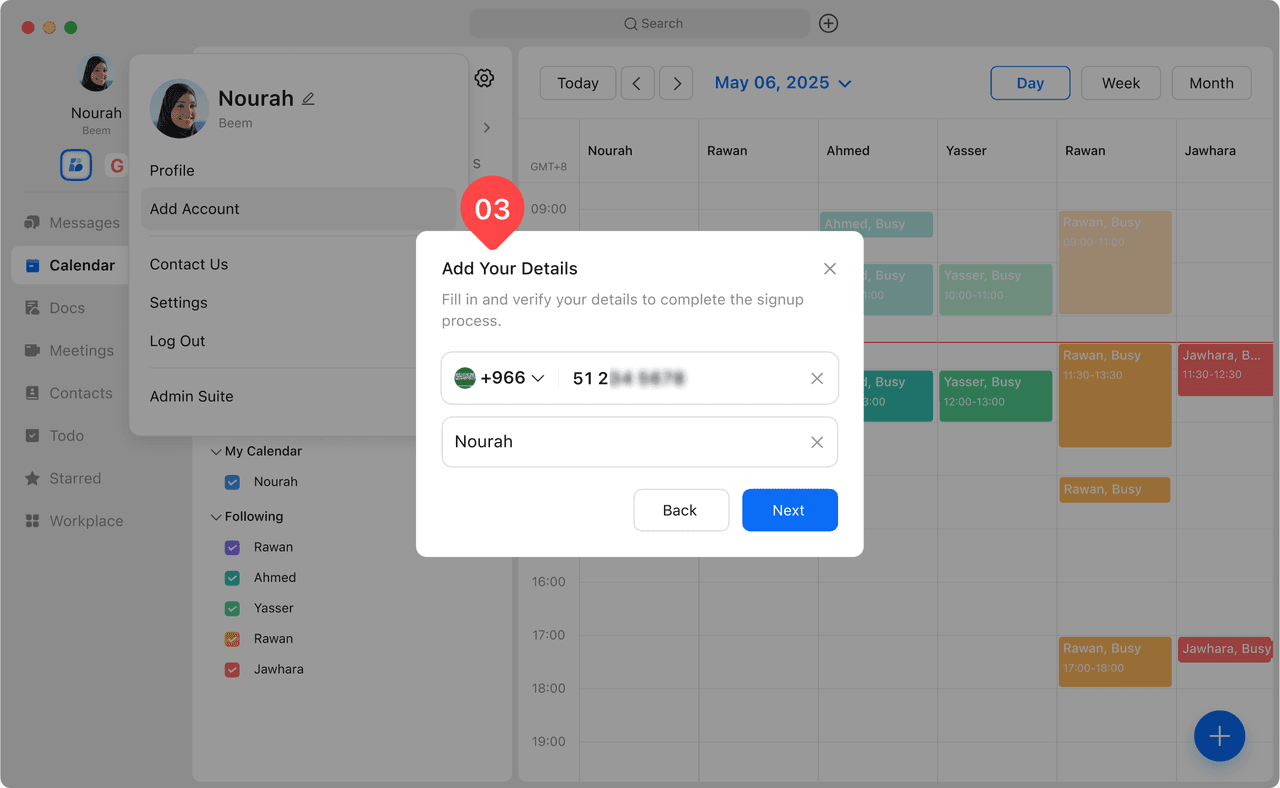
After downloading Beem app, you can easily create your personal account and start your journey on the Beem platform. Follow the steps below to create an personal account.
After launching the Beem app, the registration screen will appear.
Enter your mobile phone number, then tap Next.
Enter the OTP verification code sent to your mobile number to complete the account creation process.
Fill your name, then your personal account will be created successfully.